Overview
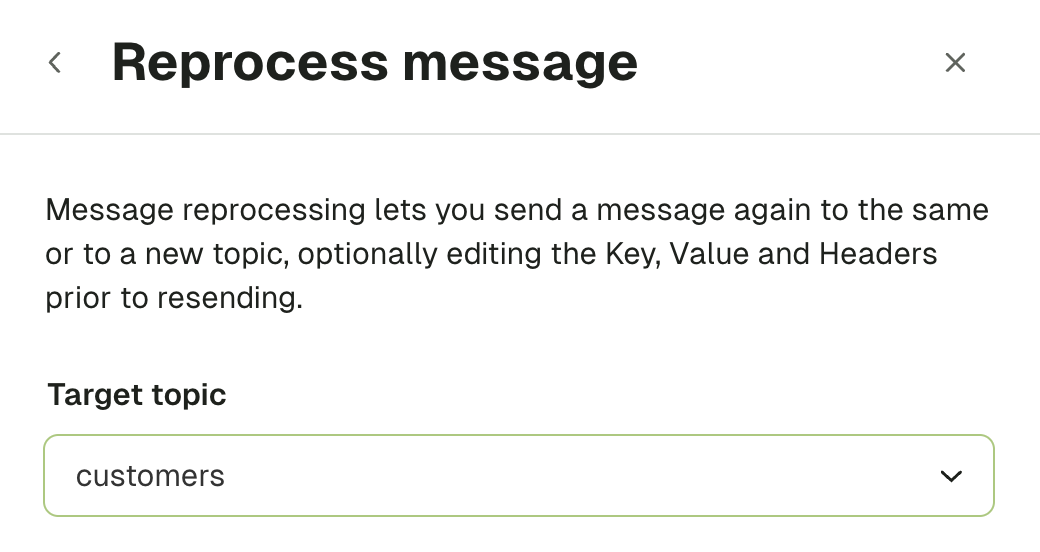
Conduktor Console can help you reprocess messages within a topic. This could be used for reprocessing messages from an existing DLQ or for pushing messages into another topic.Select a message to reprocess and a new target topic
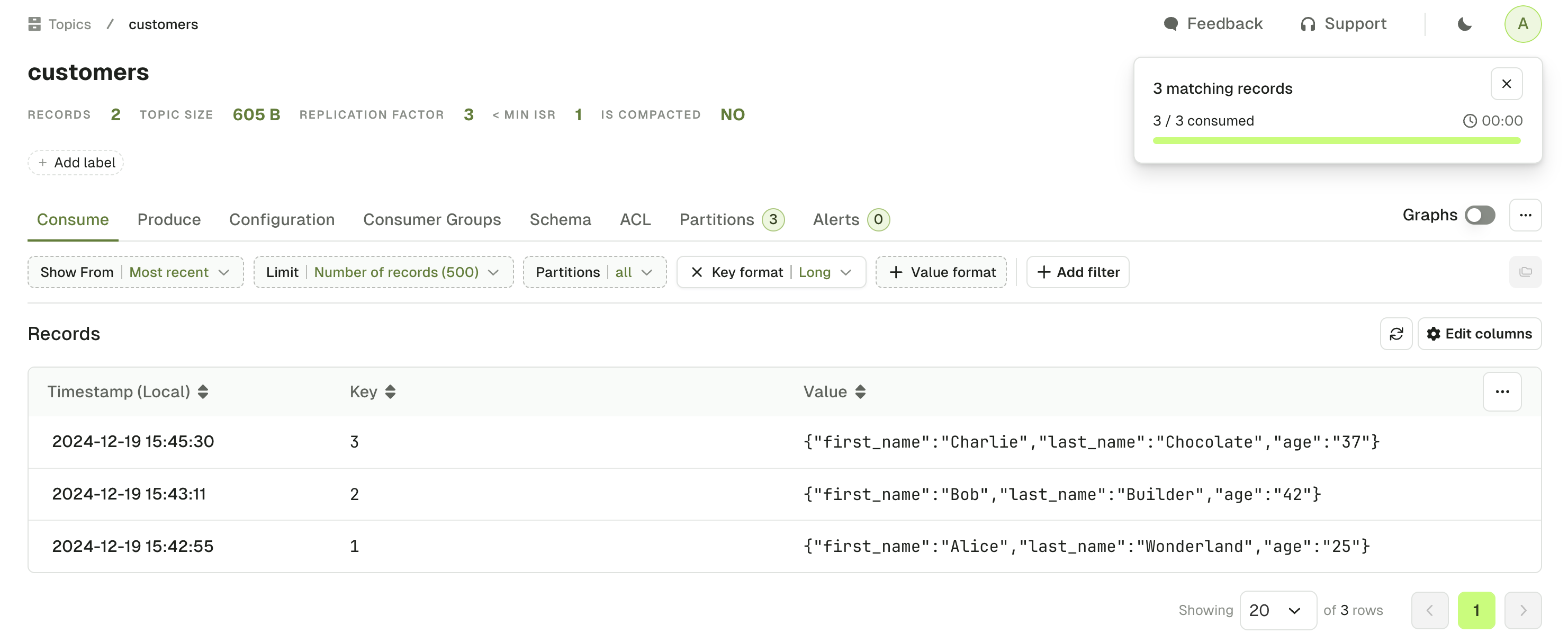
In Console, go to Topics and open the message you want to reprocess. You can start from either location:- In the consumed-message drawer, click Reprocess in the header.
- Click Share to open the message’s standalone page, then click Reprocess in the toolbar.
Messages at offset
0 can’t currently be reprocessed from Console.customers topic.
Edit and process the message
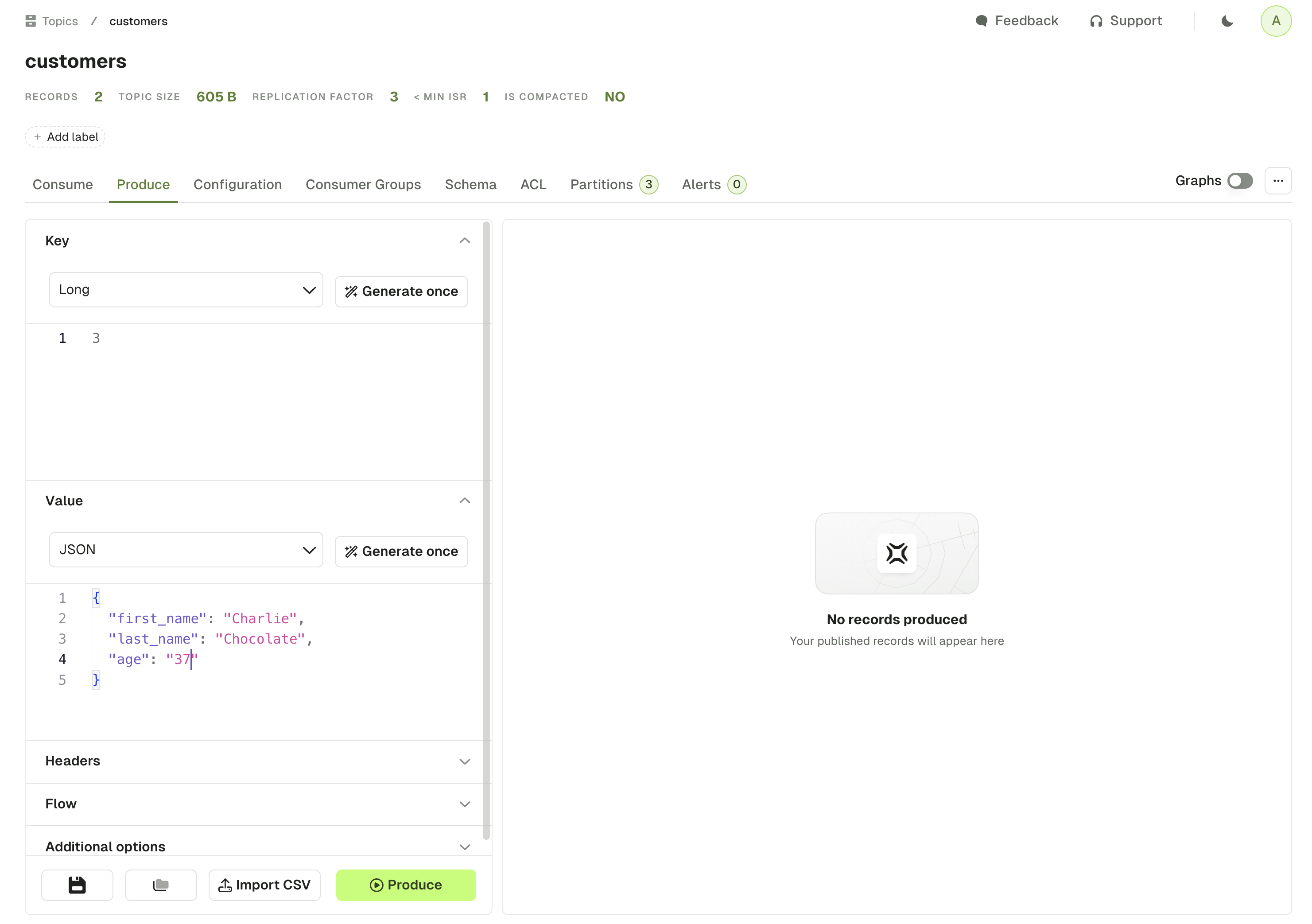
The previous step leads us to the Produce page of the target topic, with an auto-populated form containing our record. From there, we can easily modify its key, value and headers.